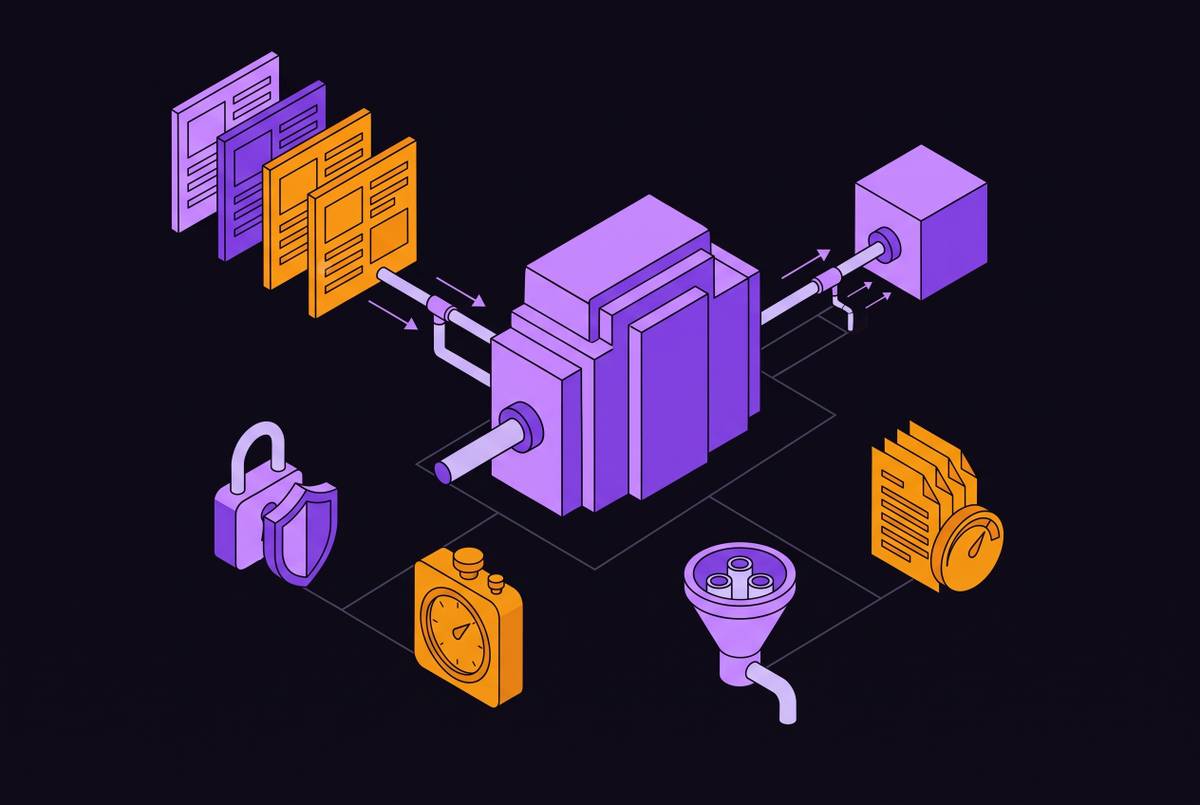
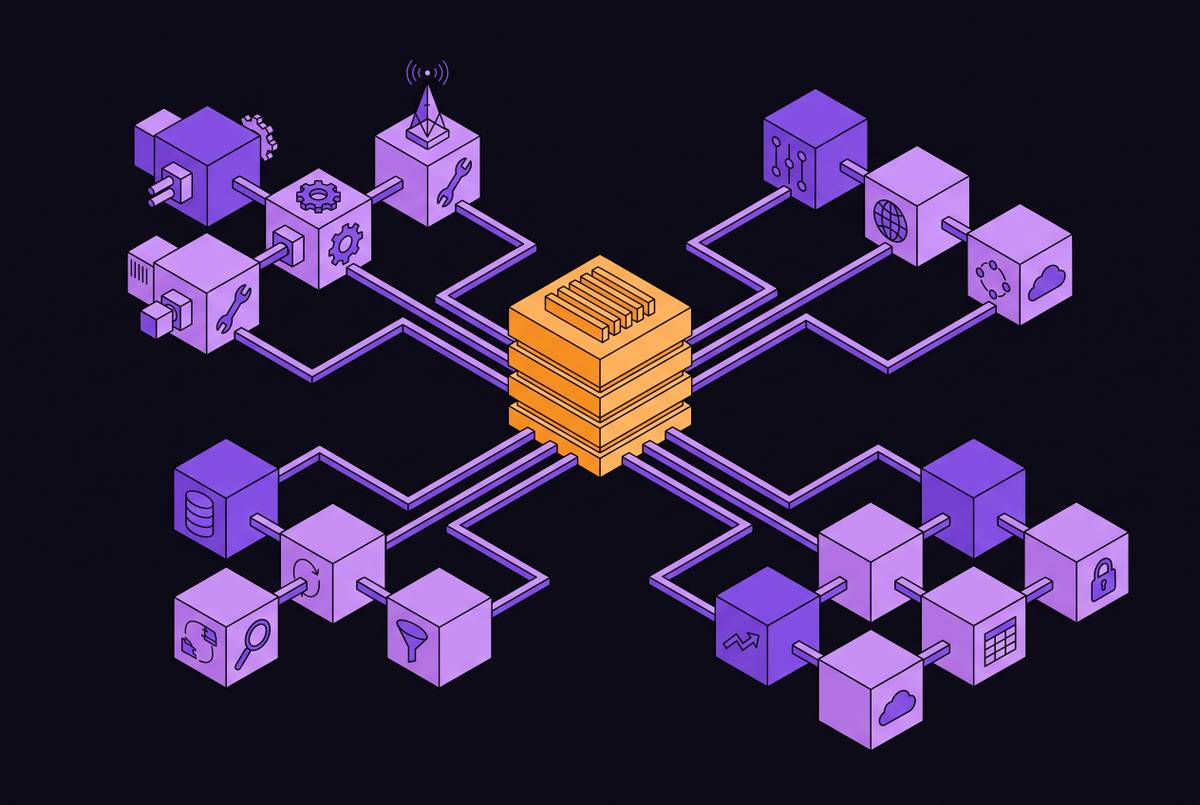
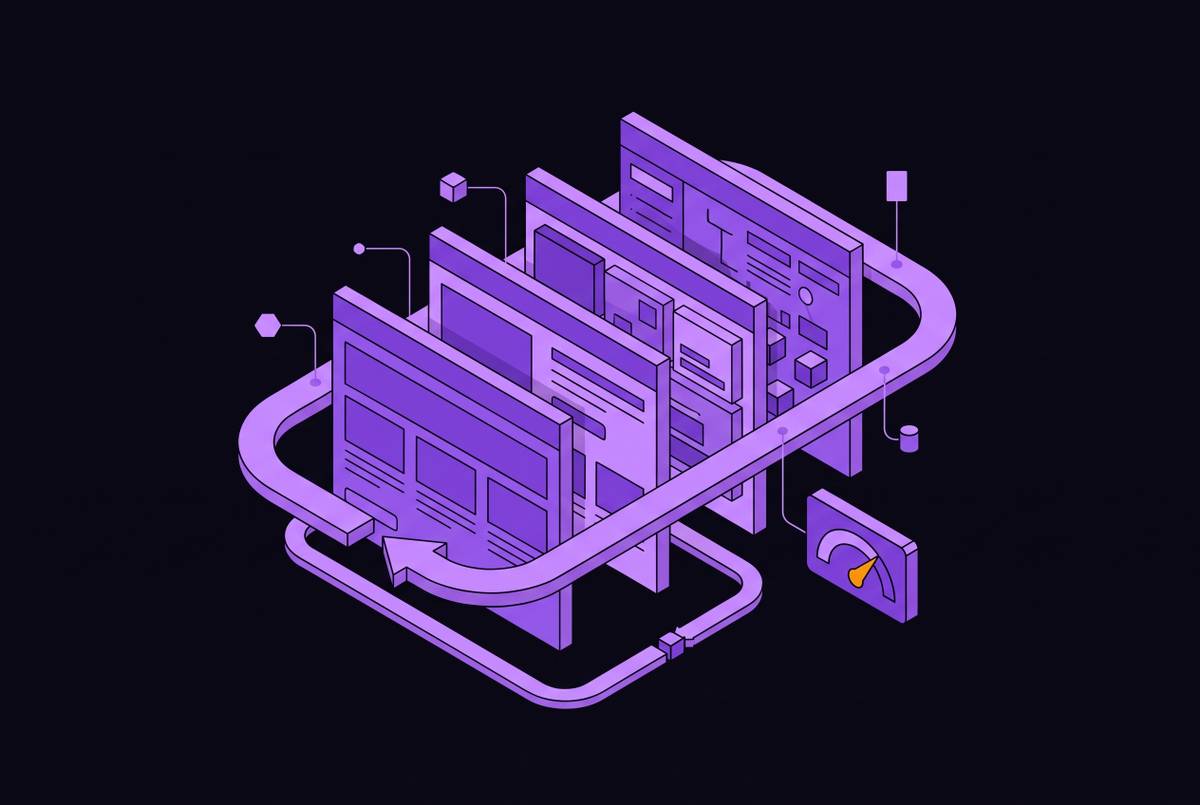
Capability Taxonomy for Real-Time Web Data APIs Across Agent Workflow Stages
Map API capabilities to workflow stages instead of feature checklists.
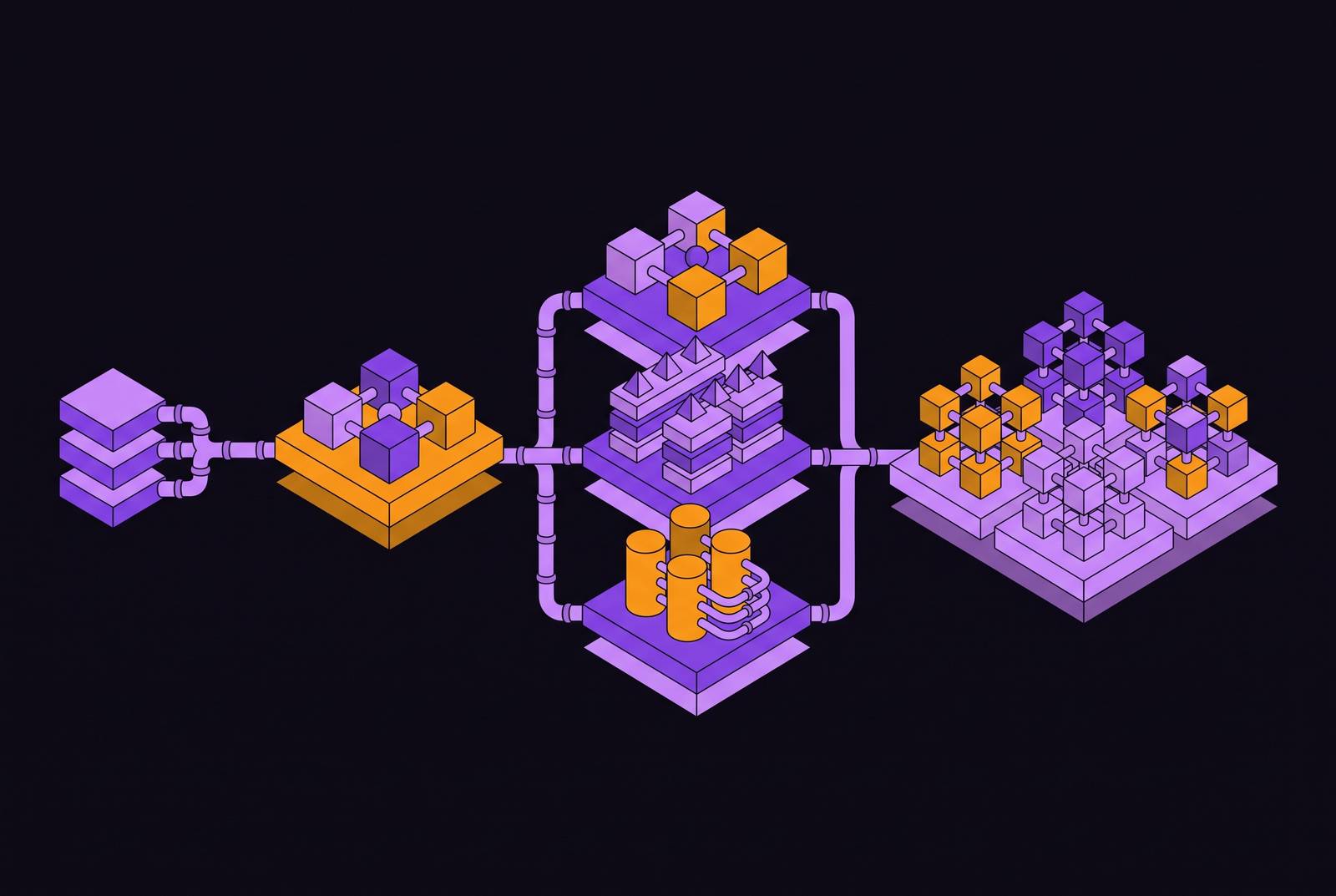
Every web scraping API on the market today promises the same three things: clean output, anti-bot handling, and LLM-ready data. That surface-level similarity hides a sharp divergence in what these APIs actually do well, and the gap only becomes visible once you place them inside a real agent workflow. A fetch layer that reliably gets past Cloudflare has nothing to do with whether it can crawl a hundred-page documentation site, and neither capability has anything to do with whether it can hand an AI agent a typed brand record. Teams that shop by feature checklist tend to over-build at stages where a lightweight fetch would do the job, then under-build at the stage that turns out to be their actual bottleneck, structured extraction, multi-page crawling, or monitoring. The fix is a taxonomy organized around workflow stages instead of feature lists: fetch and unblock, content normalization, schema-driven extraction, multi-page crawling, brand and entity intelligence, agentic tool-use integration, and monitoring, each a distinct capability cluster mapped to the point in the pipeline where it actually gets used.
Stage 1: Getting the page (fetch reliability and anti-bot bypass)
No extraction logic, no normalization routine, and no schema matters if the page never loads. Fetch is the foundational constraint every later stage depends on, and it breaks down into three separate technical problems. The first is JavaScript rendering: pages built on client-side frameworks return an empty shell to anything that isn't running a browser engine. The second is anti-bot middleware. Services like Cloudflare and Akamai fingerprint incoming requests by IP reputation, TLS fingerprint, user-agent string, and behavioral signals, and cloud function IP ranges are frequently pre-blocked before a single request goes out. The third is session-gated content, login walls and session state that a plain API key has no way to traverse.
Getting past anti-bot middleware takes more than a configuration flag. Context.dev handles JavaScript rendering, anti-bot middleware (including residential proxy rotation built to get past services like Cloudflare), and session management behind a single REST API call, so you don't need to stand up a headless browser fleet or operate a proxy layer just to get a page to load. Whether the API gets past a hard anti-bot target in the first place decides whether a pipeline works in production.
Stage 2: Content normalization (converting raw pages into LLM-consumable output)
A successful fetch doesn't mean the output is usable. Normalization is the stage that converts a loaded page into something an LLM can actually work with, and it covers stripping that noise, producing consistent structured output, and optionally scoping the result to the page's main content.
Clean Markdown is the practical standard here. A web scraping API built for LLM pipelines, like Context.dev, returns clean GitHub Flavored Markdown or schema-typed JSON directly from the fetch call, which makes normalization part of the retrieval step itself rather than a separate preprocessing pipeline a team has to build and keep maintaining as target sites change their markup. An API that claims to adapt to layout drift is solving a different problem than one that reliably strips boilerplate, and conflating the two leads to false confidence during evaluation.
Stage 3: Schema-driven structured extraction (from cleaned content to typed data records)
Clean Markdown is sufficient to ground a generative answer, but it's the wrong input for a workflow that needs to populate a database, trigger a business rule, or feed a downstream system. Those workflows need typed, validated structured data, which builds directly on normalization but is a distinct capability from it.
The pipeline pattern is consistent across implementations. Raw HTML gets fetched first: either a static HTTP request, or a browser render if the page is JavaScript-heavy. That content gets preprocessed, stripping navigation, ads, scripts, and noise, which controls how many tokens reach the model at the extraction step. The cleaned content then gets sent to an LLM alongside a developer-defined schema, and the model returns structured data that conforms to it. The output gets validated against that schema before it moves downstream.
JSON Schema is the right abstraction for this work. Developer-defined JSON schema lets a team specify what fields matter once and apply that extraction consistently across target sites, instead of writing and maintaining custom CSS or XPath selectors that break every time a site's markup changes. Context.dev's Scrape JSON format extracts fields from a single URL using a schema parameter, and it returns typed JSON a pipeline can validate and act on right away; instructions can accompany the schema to handle edge cases, such as returning null when a field doesn't exist on a given page type. What this stage requires from an API is the ability to accept a schema alongside the URL, run the full fetch-normalize-extract sequence internally, and hand back validated typed JSON, not raw HTML the team still has to route to a separate LLM call. All of this operates on one URL at a time. Covering an entire site is a different stage with its own requirements.
Stage 4: Multi-page crawling (covering a site rather than a URL)
If an API extracts a single URL well, that doesn't mean it covers a site. The moment a workflow needs more than one page, it needs a page queue, deduplication logic, and depth management, and if the API doesn't provide those, the team builds and maintains them instead. That engineering burden grows every time the target site restructures its navigation.
A crawl API exposes a few controls as first-class parameters: a depth cap limiting how many link-hops out from the seed URL the crawl goes, a page cap preventing runaway cost, URL scope filtering to restrict the crawl to a subdirectory or pattern, and sitemap discovery to start the crawl from a sitemap. Context.dev's Website Crawler API starts from a seed URL, discovers same-domain links, follows them to a configured depth, filters URLs as needed, and returns Markdown plus page metadata, with maxPages and maxDepth parameters giving the developer direct cost control. Separate endpoints handle separate jobs: a Map endpoint for discovering URLs, a Crawl endpoint for following linked pages, and a Batches API for processing larger workloads as background jobs, each suited to a different pipeline pattern.
Multi-page crawling matters because RAG grounding depends on it. Pricing clarity matters as much as feature coverage at this stage: a cheap headline plan can turn expensive fast once JavaScript rendering, premium proxies, browser minutes, or AI extraction start multiplying the base request cost, and whether failed or blocked pages get billed is a real question for any pipeline running against anti-bot-protected sites at scale. Keeping a site's content fresh is only half the problem, though. Knowing who the content belongs to matters just as much.
Stage 5: Brand and entity intelligence (a discrete structured-data tier that crawl alone doesn't cover)
Plenty of agent workflows don't just need page content, they need typed identity data about the organization behind that page: logos, brand colors, social profiles, company metadata. A general-purpose scraper or schema extractor isn't built to return that kind of data in a validated, display-ready form, which makes brand and entity intelligence its own stage rather than a variant of Stage 3.
Unified brand retrieval takes an identifier, a domain, a company name, a work email, or a stock ticker, and converts it into a typed JSON brand record with display-ready logos, postal addresses, and social profiles (credit card or transaction descriptors get resolved through a separate call). Product classification is a related but separate output type: Context.dev's Scrape product format classifies a URL and returns a typed product record when the page is a product detail page, distinct from a general Markdown or JSON extract.
Without this stage, teams end up stitching together a logo API, a separate company enrichment provider, and their own extraction layer on top of a crawler. Context.dev puts that behind one API contract, so a sales or onboarding workflow that needs a customer's logo, brand colors, social profiles, and site copy can get all of it from a single source. Brand intelligence is a tier with its own input types, its own output types, and its own use cases in enrichment, display rendering, and competitive research.
Stage 6: Agentic tool-use integration (how MCP and related protocols change the API relationship)
How an agent calls a web data API is itself a capability question, separate from what that API returns. If an agent needs a custom wrapper for every API it touches, it accumulates glue code that grows with every new capability added. An API exposing a standard tool-use interface gets integrated once and works across the agent's entire capability set from that point forward.
MCP, the Model Context Protocol, has become the default interface between LLMs and external tools. It's now governed by the Linux Foundation, with support from OpenAI, Google, Microsoft, AWS, Cloudflare, and Bloomberg. Context.dev exposes an MCP integration that lets an agent call the scraper directly as a tool without a custom wrapper: the agent hits a URL, gets structured data back in the same request cycle, and acts on it immediately. The broader agentic stack has three layers. MCP handles tool access, connecting an agent to external capabilities. WebMCP is the newer, web-native layer, extending the MCP mental model into the browser itself so a website can function like an MCP server, exposing browser-native tools a visiting agent can discover and use, though without MCP's wire protocol. The site defines what's on offer, so the agent doesn't have to scrape by force.
Evaluating an API at this stage means asking whether it exposes an MCP server, SDK, or CLI that fits the agent's actual execution environment, a coding assistant, a backend service, a scheduled pipeline, because the right interface depends on where in the stack the agent runs. None of this matters if the data returned is stale the moment it's fetched, which is the problem the next stage exists to solve.
Stage 7: Website monitoring and change detection as a pipeline primitive
Initial ingestion fills a RAG corpus or a structured data store, but the content agent pipelines care about most, competitor pricing, regulatory text, documentation versions, security advisories, keeps changing after that initial pull. Monitoring keeps a pipeline's data current, so you don't need a full re-crawl on a blind, arbitrary schedule.
Two paradigms get conflated here and shouldn't be. The other treats a detected change as an API event that triggers a downstream action automatically, feeding an updated chunk into a RAG index or waking up an agent workflow. Only the second is a pipeline primitive. An AI monitoring agent checking pages on a schedule can use machine learning to detect, classify, and summarize changes, separating a meaningful update, a competitor raising prices, a regulation changing, from noise like a footer tweak, a copyright year update, or a rotating testimonial. Semantic-diff mode extends this further for whole-site monitoring: instead of exact text comparisons that generate too much noise to be useful, a developer supplies natural-language instructions describing what kind of change matters, and the system judges pages against those instructions, letting an agent watch a competitor's site for newly announced products while ignoring layout tweaks.
Output format decides whether any of this is actually automatable. Fetch, extraction, and crawling get data into a pipeline. Monitoring is what keeps it from going stale the day after. What matters across all seven stages is which capabilities map to the specific stage a given pipeline actually runs, not which API has the longest feature list.
Applying the taxonomy: matching API capabilities to the stages your pipeline uses
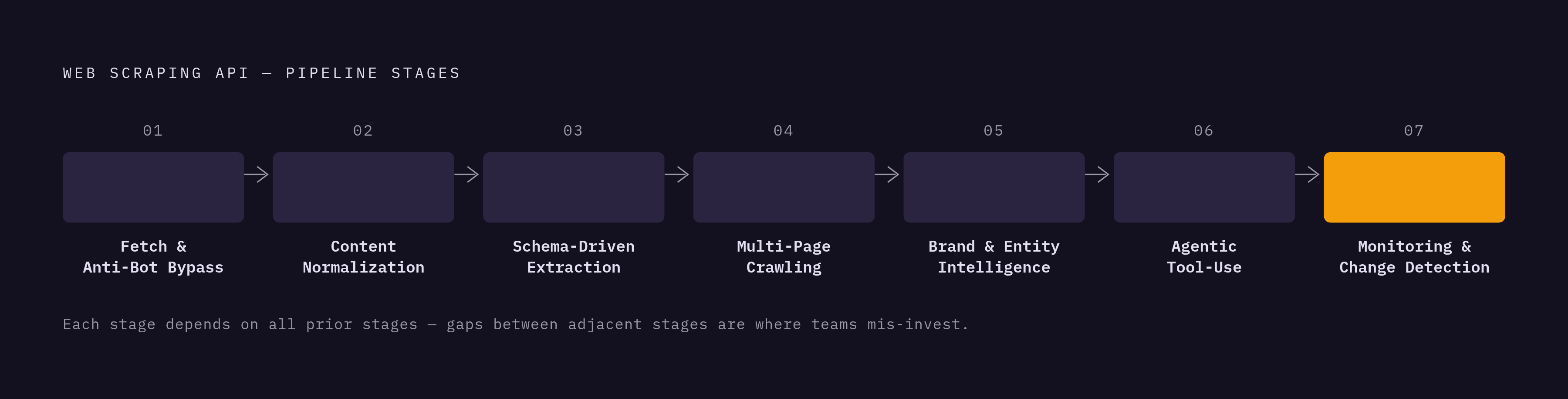
No pipeline needs all seven stages at once, and that's the point of laying them out separately: knowing which stages a given pipeline actually touches tells a team exactly which capabilities to evaluate closely and which to ignore, heading off both over-investment in features that never get used and under-investment in the stage that turns out to be the real bottleneck. A RAG system grounded in fresh web content mainly needs Stage 1 fetch, Stage 2 normalization, Stage 4 crawling for site-wide coverage, and Stage 7 monitoring for freshness, with structured extraction optional unless the corpus needs typed records alongside the prose. A competitive intelligence agent leans on Stage 1, Stage 3 for typed pricing or product records, and Stage 7 for change events, sometimes pulling in brand extraction as well. A sales or onboarding enrichment workflow mostly needs Stage 1 and Stage 5, rarely touches multi-page crawling, and only cares about MCP integration if the workflow runs inside an agent loop. An agentic research workflow depends on Stage 1, Stage 2, and Stage 6 for tool-use integration, sometimes Stage 3, with the agent deciding at runtime which pages to fetch, which makes crawl depth controls and response latency more important than batch crawl ergonomics.
Consolidating multiple stages behind one API reduces integration surface area and avoids the version-drift and contract-mismatch problems that come from stitching together several point solutions. Context.dev covers scrape, map, crawl, structured extraction, brand intelligence, and MCP integration through a hosted MCP server alongside its core REST API, letting a research agent needing page content, company identity, product information, screenshots, and source URLs get all of it from one managed surface, consolidating five separate vendor contracts. That consolidation has real limits. If your team has specific IP-provenance audit requirements or the engineering capacity to run its own fetch layer, open-source crawlers such as Crawl4AI and Browser Use remain a reasonable choice, but you then own the proxy infrastructure and anti-bot evasion work a managed API otherwise bundles in.
The question that actually produces a sound vendor evaluation is narrower than any feature comparison chart: for each stage a pipeline touches, what must the API return on its own, what must it handle internally, and what would the team end up building and maintaining if it doesn't? Asked stage by stage, that question replaces the feature checklist with something a team can actually act on.